Queue Management System in Saudi Arabia: A 2026 Buyer’s Guide
A modern queue management system in Saudi Arabia has moved from a “nice to have” to a core service standard for banks, clinics, government service centres, and retail. In 2026, Saudi customers expect short waits, clear signage, and a digital ticket on their phone rather than a paper slip and a crowded lobby. This guide explains how these systems work, what features matter most, and how to choose a platform that fits the Kingdom’s fast-moving service culture.
Whether you run a single clinic in Riyadh or a national chain of service branches, the right setup reduces walk-aways, balances staff workload, and produces the data you need to prove service-level targets. Let us break it down.
Why a Queue Management System in Saudi Arabia Matters in 2026
Vision 2030 pushed customer experience to the front of both public and private service delivery. Citizens now compare a government counter to their favourite app, and patience for long, disorganised lines keeps shrinking.
Long waits cost real money. People abandon lines, leave negative reviews, and rarely return. A structured queue flow fixes the first impression and keeps footfall productive.
- Lower walk-away rates because customers know their position and estimated wait.
- Balanced staff load so no single counter drowns while others sit idle.
- Hard data on peak hours, service times, and no-show patterns.
- Bilingual Arabic and English ticketing that respects local expectations.
Investing in a modern queue management system in saudi arabia aligns directly with these national service-quality ambitions. The Kingdom’s digital-government momentum is well documented in the national Vision 2030 programme, which sets goals that queue technology directly supports.
Core Components of a Modern Queuing Setup
A full deployment is more than a ticket printer. It is a connected flow from the moment a visitor arrives to the final feedback tap.
1. Check-in and ticket issuance
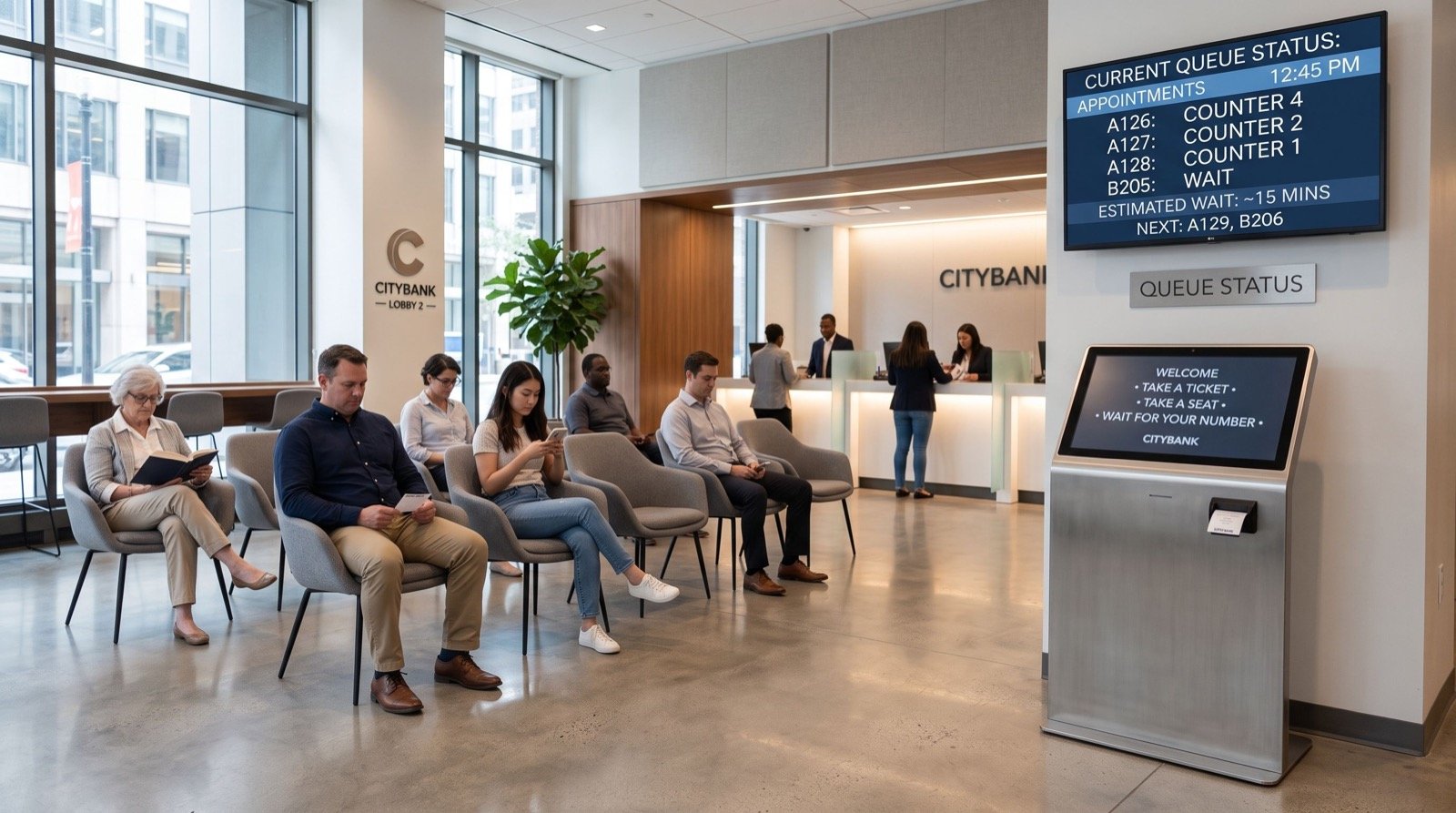
Visitors take a ticket from a kiosk, scan a QR code, or book a slot online. Appointment-based check-in cuts crowding and spreads demand across the day.
2. Display and calling screens
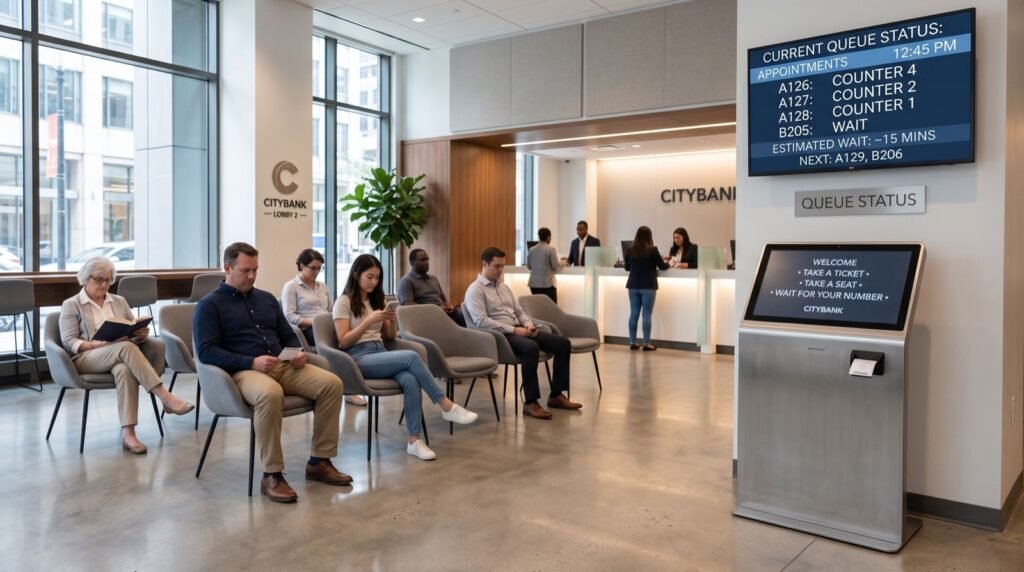
Clear LED or LCD displays announce the next ticket by counter, with audio call-outs in Arabic and English. Digital signage doubles as a channel for promotions and health notices.
3. Staff and counter dashboard
Agents call, transfer, and recall tickets from a simple panel. Supervisors watch live load and reassign counters during a rush.
4. Analytics and reporting
Every ticket becomes a data point: wait time, service time, abandonment, and satisfaction. Managers use this to staff smarter next week.
Key Features to Compare Before You Buy
Not every platform is equal. Use the table below as a quick scorecard when you shortlist vendors in 2026.
| Feature | Why It Matters | Must-Have? |
|---|---|---|
| Appointment booking | Spreads demand, cuts lobby crowding | Yes |
| Mobile virtual queue | Customers wait anywhere, not in line | Yes |
| Arabic/English interface | Local compliance and clarity | Yes |
| Live analytics dashboard | Proves SLA and guides staffing | Yes |
| SMS/WhatsApp alerts | Reduces no-shows and walk-aways | Recommended |
| Biometric check-in | Fast, secure identity verification | Optional |
For sectors that need verified identity at check-in, pairing the queue with a reliable Biometric Device adds a fast, fraud-resistant layer. Fingerprint check-in suits banks, government counters, and clinics where the person must be confirmed before service.
How Do You Choose the Right Vendor?
Start with your busiest branch, not your smallest. If a system handles your worst Monday morning, it will handle everything else.
- Map your service journey from entry to exit and list every touchpoint.
- Pilot in one branch for 30 days and track abandonment before and after.
- Check integration with your CRM, ERP, or appointment portal.
- Confirm local support inside the Kingdom for hardware and uptime.
- Review data residency and privacy handling for customer records.
Local presence is the factor teams underrate most. When a kiosk fails at 9 a.m., you want an engineer on-site that day, not a ticket in a far-away queue. Working with dependable specialists who know the regional landscape keeps downtime low and rollouts smooth.
A practical tip from the field
Set an estimated-wait display even if it is approximate. Research on perceived waiting consistently shows that an uncertain wait feels longer than a known one. Telling a customer “about 8 minutes” calms the lobby more than any extra counter.
Measuring Return on Investment
Queue technology pays back fastest where footfall is high and service minutes are expensive. Track three numbers from day one:
- Abandonment rate — the share of visitors who leave before service.
- Average wait time — the headline metric customers feel most.
- Service time per counter — your productivity baseline.
Industry analysts such as Gartner repeatedly link faster, friction-free service to higher loyalty and repeat visits. When a branch trims average wait by even two minutes across thousands of monthly visitors, the staffing and retention gains compound quickly.
Common Mistakes to Avoid in 2026
Even strong platforms underperform when teams skip the basics. Watch for these recurring errors during rollout and daily operation.
- Buying for headquarters, not the branch: the busiest location sets the real requirements, so size the system there.
- Ignoring staff training: a powerful dashboard is useless if agents never learn to transfer or recall tickets correctly.
- Hiding the estimated wait: a known wait always feels shorter, so display it even when it is approximate.
- Skipping the pilot: a 30-day trial exposes flow problems before they scale across every branch.
- Treating analytics as decoration: the data only pays off when managers act on peak-hour staffing insights each week.
Fixing these early protects your investment and keeps the customer experience consistent from the first week. A short checklist on the wall of each branch — greet, ticket, call, close, log feedback — keeps every team honest and makes audits painless across the Kingdom’s growing service network.
Frequently Asked Questions
How much does a queue management system in Saudi Arabia cost?
Pricing depends on branch count, screens, kiosks, and whether you add mobile or biometric check-in. Most small deployments start modestly and scale per counter, so begin with a single-branch pilot to confirm value before a Kingdom-wide rollout.
Can customers join the queue from their phone?
Yes. Modern platforms offer a virtual queue by QR code or app, so visitors wait in their car or a nearby cafe and receive an SMS or WhatsApp alert when their turn approaches.
Does the system support Arabic and English?
Reputable vendors ship full bilingual ticketing, signage, and audio call-outs. This is essential for compliance and for a clear experience across the Kingdom’s diverse resident base.
How long does installation take?
A single branch is often live within days once hardware arrives. Multi-branch rollouts run in phases, usually starting with a 30-day pilot to tune staffing and flow.
Conclusion
In 2026, a well-chosen queue management system in Saudi Arabia is one of the cheapest ways to lift customer satisfaction and branch productivity at the same time. Map your journey, pilot in your busiest location, insist on bilingual support and strong analytics, and add biometric check-in where identity matters. Do that, and your lobby stops being a bottleneck and starts being proof that your service respects every visitor’s time. Ready to upgrade? Partner with a local team and start your pilot this quarter.